Pill Reminder App vs. Protocol Tracker: Which Do You Need?
· DoseRoutine Editorial Team
Researched by DoseRoutine Research TeamReviewed for accuracy by Nicholas Alexander, RSE, SO, PMPLast updated Educational reference only — not medical advice. Always confirm dosing and safety decisions with a licensed clinician.
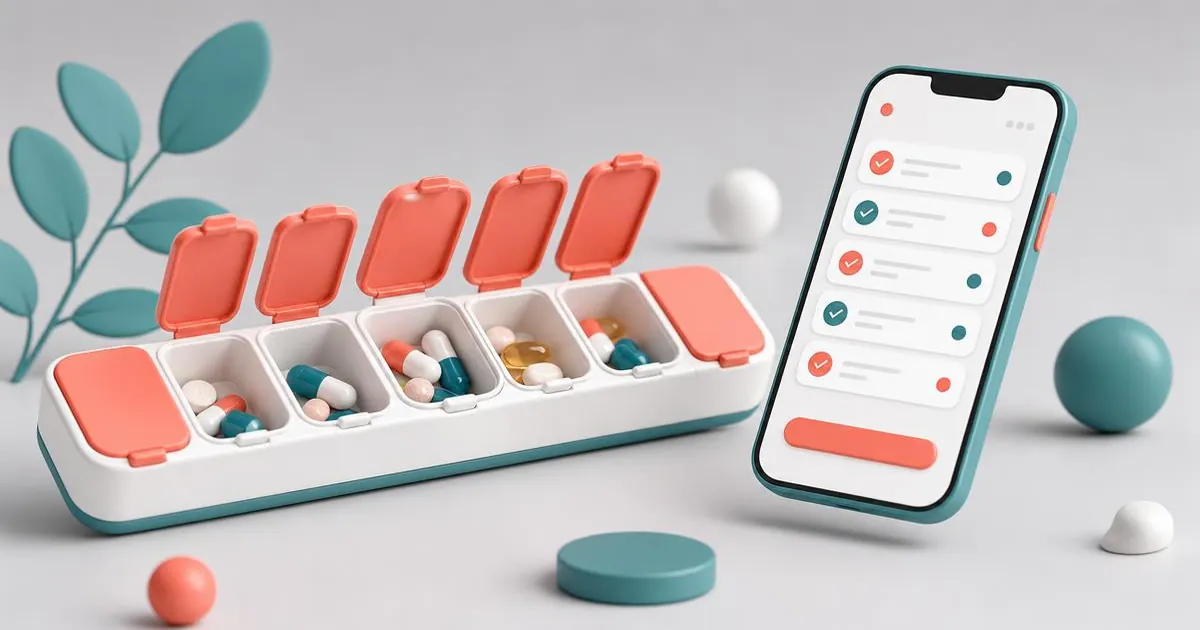
A pill reminder app is perfect for one or two daily medications. If you take multiple prescriptions, supplements, or timed protocols, a protocol tracker gives you the structure and context a simple alarm cannot. Choose based on the complexity of your routine, not the number of app store stars.
The phrase "pill reminder app" covers everything from a one-tap alarm to a full health dashboard. That range causes confusion. This post clears it up and helps you decide which tier fits your actual needs. For a feature-by-feature buyer's guide, read how to choose a medication reminder app.
What a basic pill reminder app does well
Basic pill reminders are lightweight and fast. They excel at:
- One or two recurring daily alarms.
- Quick "taken / skipped" logging.
- Minimal setup and low battery use.
- Free or nearly free pricing.
Examples include Round Health, Mango Health, and the built-in reminder apps on iOS and Android.
Where basic pill reminders fall short
Problems appear when your routine grows:
- Multiple timing windows. A basic app may not support "morning with food, afternoon empty stomach, evening with fat."
- Cycling or tapering. If doses change every few weeks, simple apps require constant manual edits.
- Stacks and interactions. A pill reminder does not show how supplements overlap with prescriptions.
- Injection protocols. Needles, vials, and rotation sites do not fit a swallow-only model.
- Correlation with labs or symptoms. Basic apps rarely let you graph doses against blood work or mood.
If any of the above sound familiar, you have outgrown a basic pill reminder app.
What a protocol tracker adds
A protocol tracker is designed for multi-variable health routines. Typical features include:
- Compound libraries with dosing units and common schedules.
- Stack builder to see everything you take in one view.
- Timing rules such as "with food," "empty stomach," or "pre-workout."
- Injection site rotation and vial tracking.
- Meal and workout correlation so you can spot patterns.
- Blood work and metric logging for long-term trend analysis.
DoseRoutine fits this category. It is built for people who need their pill reminder app to understand context, not just time.
Decision framework: which app is right for you?
Answer these five questions:
- Do you take more than three things per day? If yes, consider a protocol tracker.
- Are any of your doses tied to meals or workouts? Context-aware reminders are worth it.
- Do you inject anything? You need site tracking and vial logs.
- Do you adjust doses based on labs or symptoms? A tracker with notes and metrics wins.
- Do you want one app for health, not five? Protocol trackers combine dose, food, and fitness data — see the best apps for health if you are still building your toolkit.
If you answered yes to two or more, a basic pill reminder app will likely frustrate you. Our roundup of the best apps for managing prescriptions covers the alternatives.
Cost comparison
| App type | Typical price | Best for |
|---|---|---|
| Basic pill reminder | Free–$2/mo | 1–2 daily meds |
| Premium reminder | $3–$6/mo | Families, refill tracking, reports |
| Protocol tracker | Free start, $5–$15/mo | Stacks, peptides, fitness integration |
Free tiers often cover simple use cases. The value of a paid tracker shows up when missed doses or timing errors have real consequences.
How to migrate from a pill reminder to a protocol tracker
Switching apps does not have to be painful:
- Export your current schedule if the app allows it.
- Add one compound at a time instead of rebuilding everything at once — the DoseRoutine manual shows how.
- Set new reminders 15 minutes earlier or later to avoid duplicate alarms during the transition.
- Log doses in both apps for one week to confirm the new setup works.
- Delete the old app only after you trust the new one.
FAQs
- What is the best pill reminder app for iPhone?
- Round Health and Medisafe are popular for iOS. For stack tracking, DoseRoutine offers a more complete iOS experience.
- What is the best pill reminder app for Android?
- Medisafe and MyTherapy are well-rated on Android. DoseRoutine also supports Android with cross-device sync.
- Can a pill reminder app handle supplements?
- Most can, but they usually treat each supplement as a separate alarm. A protocol tracker groups supplements into stacks and applies timing rules.
- Do pill reminder apps work offline?
- Many do, but sync and caregiver features may require connectivity. Check the app's offline policy before relying on it during travel.
- Are there pill reminder apps without ads?
- Yes. Paid versions of Medisafe, MyTherapy, and DoseRoutine remove ads and often add privacy protections.
This article is for informational purposes only and does not replace professional medical advice. Always consult your healthcare provider before changing medications or supplements.