Best Pill Reminder Apps for Seniors
· DoseRoutine Editorial Team
Researched by DoseRoutine Research TeamReviewed for accuracy by Nicholas Alexander, RSE, SO, PMPLast updated Educational reference only — not medical advice. Always confirm dosing and safety decisions with a licensed clinician.
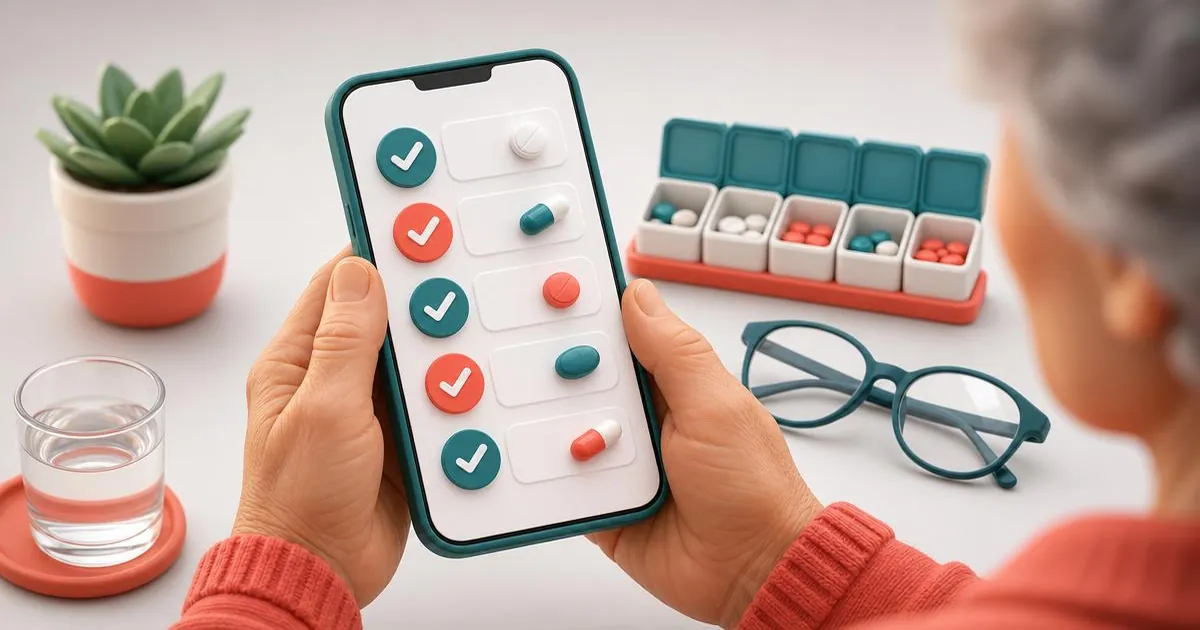
The best pill reminder apps for seniors combine large readable text, alerts loud enough to notice, one-tap confirmation, and a way for family to see missed doses. DoseRoutine, Medisafe and Apple Health Medications lead in 2026. For someone who struggles with phones, pair any app with a physical weekly organizer and let a caregiver manage the schedule remotely.
Most medication apps are designed for people comfortable with phones. For older adults the priorities flip: fewer taps, bigger type, louder alerts, and someone else notified when a dose is missed.
What matters most for older adults
- Readable by default — large text, high contrast, no tiny gray labels.
- One-tap "taken" — confirming a dose should not require navigating a menu.
- Alerts that persist — a single quiet chime gets missed.
- Caregiver visibility — a family member should see missed doses without phoning to ask.
- Setup by someone else — the person taking the meds should not have to build the schedule.
1. DoseRoutine — best when the routine is complex
Strong for older adults on several prescriptions plus supplements. Schedules can be built once by a family member, then the daily view is a short list with large tap targets. Dose history makes doctor visits easier because you can show exactly what was taken and when.
See how it ranks overall in best medication reminder apps and how families manage multiple prescriptions in best apps for managing prescriptions.
2. Medisafe — best for missed-dose alerts to family
Its caregiver alert feature is the standout: if a dose is not confirmed, a chosen contact gets notified. Ads on the free tier can confuse less confident users, so consider paying to remove them.
3. Apple Health Medications — best for a simple iPhone
Already installed, nothing to learn, and reminders can be set as critical alerts so they sound through silent mode. Best when the routine is two or three simple pills.
Set it up so it actually works
- Do the setup yourself. Add every medication, dose and time on their phone.
- Turn on time-sensitive or critical alerts so Focus and silent mode cannot mute reminders.
- Turn off battery optimization on Android, which delays notifications by hours.
- Raise system text size before judging whether an app is readable.
- Keep the pill organizer. The app tells them when; the box shows what.
- Choose anchor times tied to meals, not arbitrary clock times.
For a step-by-step version, the reminder setup guide walks through each screen, and the DoseRoutine manual covers sharing with family.
When an app is not the right answer
If phone use itself is the barrier, an app may add frustration. In that case use a phone-free routine — a dated weekly organizer filled by a family member, a wall chart, and a daily check-in call — and keep the app on the caregiver's phone for tracking. That hybrid is usually more reliable than trying to change habits.
FAQs
- What is the best pill reminder app for an elderly parent?
- DoseRoutine when the routine involves several medications or supplements and a family member helps manage it; Medisafe when the priority is being alerted about missed doses; Apple Health for a simple iPhone routine.
- Can I manage my parent's medication schedule from my own phone?
- Yes. Apps with caregiver sharing let you build and adjust the schedule and see confirmations remotely, so your parent only ever taps "taken".
- How do I make reminders loud enough to notice?
- Allow time-sensitive or critical alerts, raise notification volume, and choose a distinctive sound. On Android, also exclude the app from battery optimization.
- Is a pill organizer still useful with an app?
- Yes. The organizer answers "which pills", the app answers "when and did I take them". Together they catch both kinds of mistake.
This article is for informational purposes only and does not replace professional medical advice. Always consult your healthcare provider before changing medications or supplements.