Best Apps for Tracking Supplements and Stacks
· DoseRoutine Editorial Team
Researched by DoseRoutine Research TeamReviewed for accuracy by Nicholas Alexander, RSE, SO, PMPLast updated Educational reference only — not medical advice. Always confirm dosing and safety decisions with a licensed clinician.
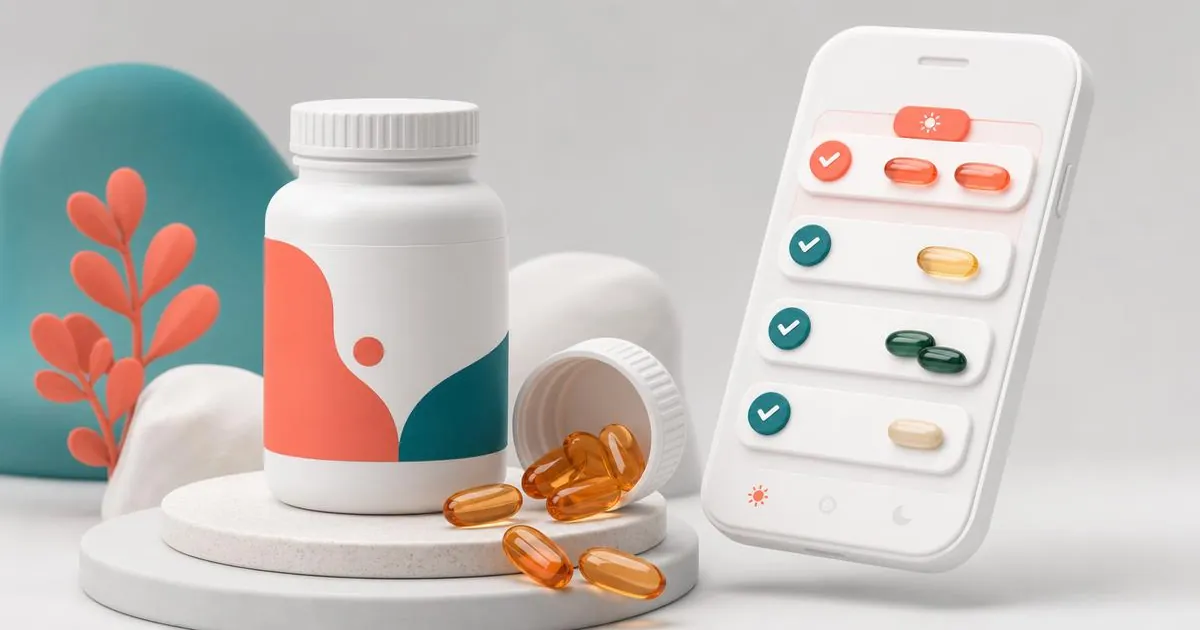
The best supplement tracker apps in 2026 are DoseRoutine for full stacks with cycling and interaction awareness, Cronometer for micronutrient totals, MyFitnessPal for supplements alongside food, and generic reminder apps for simple daily vitamins. A supplement tracker differs from a pill reminder because it needs timing rules, cycling and interaction context, not just an alarm.
Supplements break most medication apps. Stacks change monthly, some items cycle on and off, several compete for absorption, and timing relative to food matters. Here is what handles that.
What a real supplement tracker needs
- Stack-level scheduling — group items that are taken together.
- Cycling — 8 weeks on, 4 weeks off, without deleting and re-adding.
- Timing rules — with food, empty stomach, away from calcium or iron.
- Interaction flags — zinc and copper, calcium and levothyroxine, and similar.
- Honest logging — skipped days recorded, not silently ignored.
If your stack includes anything injectable, read whether peptides are safe and how peptide fraud works first.
1. DoseRoutine — best overall for stacks
- Build a stack once; schedule the whole thing.
- Cycles with on/off weeks and taper support.
- Timing and interaction context from the compound library, with sources shown.
- Peptides and injections in the same schedule — see best apps for peptide and injection tracking.
- Dose math in the calculator for powders and reconstituted vials.
Ranked in context in best medication reminder apps.
2. Cronometer — best for micronutrient totals
If your goal is hitting nutrient targets rather than adherence, Cronometer totals supplements alongside food. Weak on scheduling and cycling.
3. MyFitnessPal — best if food logging comes first
Supplements can be added as entries, but there is no timing or interaction logic.
4. Generic reminder apps — fine for a daily multivitamin
If your stack is one multivitamin and vitamin D, any reminder app works, including the ones in best free medication reminder apps.
How to structure a stack that sticks
- Group by timing, not by bottle — morning empty stomach, morning with food, pre-bed.
- Separate the competitors — keep calcium, iron and zinc at least two hours apart.
- Cycle deliberately — set the off weeks in the app so you do not drift.
- Log skips — a stack you take 60% of the time is a different experiment than one you take daily.
- Review monthly — drop anything you cannot state a reason for.
If prescriptions are part of the picture, best apps for managing prescriptions covers refills and pharmacy features too.
FAQs
- What is the best supplement tracker app?
- DoseRoutine for full stacks with cycling, timing rules and interaction flags; Cronometer if you mainly want micronutrient totals from food plus supplements.
- Can one app track supplements and prescriptions together?
- Yes. DoseRoutine schedules both in one routine, which also means timing conflicts between a prescription and a supplement are visible in one place.
- Do supplement apps warn about interactions?
- Some do. DoseRoutine flags common absorption and interaction issues with cited sources, but it is guidance, not medical advice — check anything new with a pharmacist.
- How do I track a supplement cycle?
- Use an app with built-in cycling so on and off weeks are scheduled once. Manually deleting and re-adding items loses your history.
This article is for informational purposes only and does not replace professional medical advice. Always consult your healthcare provider before changing medications or supplements.